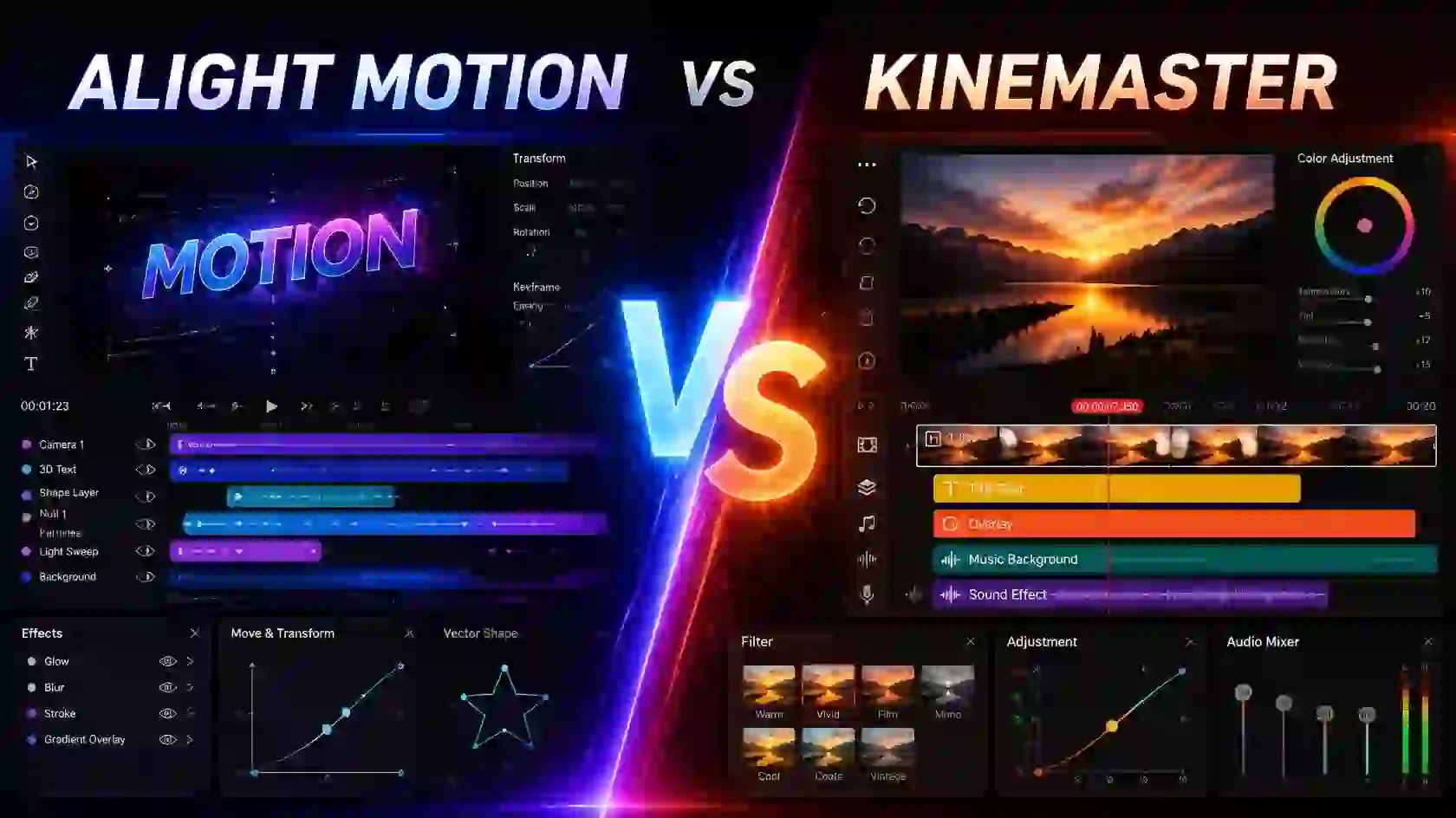

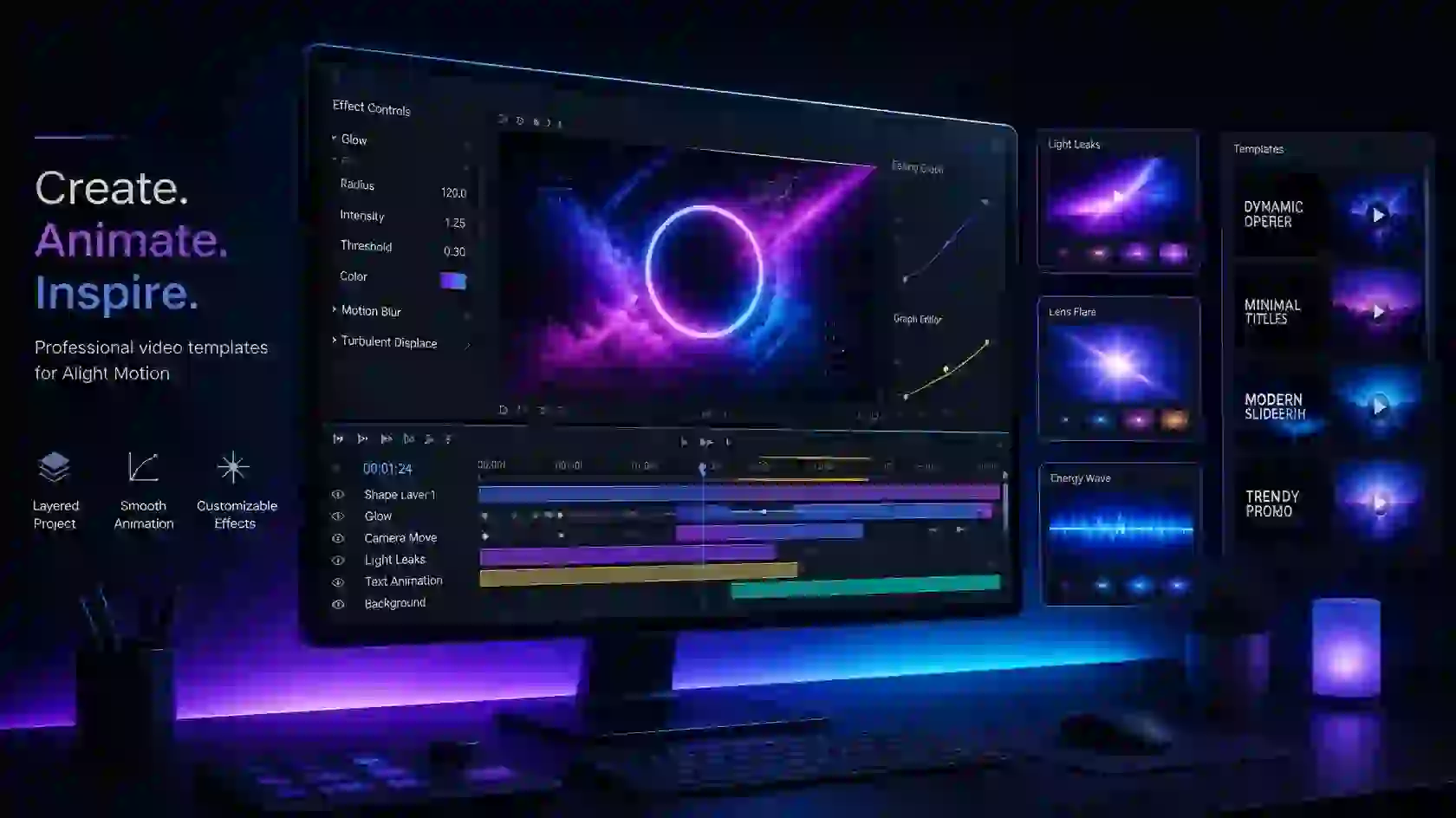
Creating a professional-looking video from scratch can take a lot of time, especially when you need smooth animations, transitions, effects, and perfectly timed elements. Alight Motion Templates make this process easier by giving you ready-made designs that you can customize for your own videos.
Whether you create Instagram Reels, YouTube Shorts, TikTok videos, gaming edits, AMVs, or cinematic content, the right template can give your project a polished look while saving you valuable editing time.
What Are Alight Motion Templates?
Alight Motion templates are pre-designed projects or editing setups that contain different animations, effects, transitions, text elements, and other visual components. Instead of building everything manually, you can start with a template and replace the existing media with your own photos or videos.
The biggest advantage is flexibility. You can change the text, colors, timing, effects, and other elements to make the template fit your personal editing style.
Popular Alight Motion Templates
There are many different templates available for different types of video projects. Some popular options include:
- Shake templates
- Blur shake templates
- X and Y shake templates
- Cinematic transition templates
- 3D templates
- Glitch and distortion templates
- Slow-motion templates
- Color grading templates
- Text animation templates
- Beat-synced templates
Each type has a different purpose, so choose a template based on the style and mood of your video.
Why Use Alight Motion Templates?
Templates can be especially helpful when you want to create an engaging video without spending hours building every animation yourself. They provide a starting point that you can modify according to your needs.
Some useful benefits include:
- Save editing time
- Create consistent animations
- Try new editing styles
- Learn how different effects are built
- Customize text, colors, and media
- Create more engaging short-form videos
For beginners, templates can also be a useful way to learn how animations, effects, and transitions work inside Alight Motion.
How to Use Alight Motion Templates
Using a template is generally straightforward. First, choose a template that matches your project and make sure it is compatible with your version of Alight Motion.
After importing the template, replace the sample photos or videos with your own media. You can then adjust the text, colors, timing, effects, and other elements before exporting your finished video.
Always keep a backup of your original project before making major changes, especially when experimenting with a template.
Customize Templates for Your Own Style
Simply using a template without making any changes can make your video feel generic. A few small adjustments can make a big difference.
Try changing the font, text size, colors, animation timing, effect intensity, and media. You can also remove elements you do not need and add your own effects to create a more personal result.
For example, a shake template can be combined with motion blur and beat-based timing to create a smoother music edit.
Alight Motion Templates for Different Videos
Different content styles work better with different templates. A fast shake or glitch template may be suitable for gaming or music edits, while a clean transition or text template can work better for social media content.
| Template Type | Best For |
|---|---|
| Shake Templates | Music and action edits |
| Blur Templates | Smooth motion effects |
| 3D Templates | Intros and titles |
| Glitch Templates | Gaming and digital edits |
| Transition Templates | Reels and Shorts |
| Slow Motion Templates | Cinematic videos |
| Text Templates | Titles and captions |
| Color Templates | Aesthetic and cinematic content |
Check Compatibility Before Using a Template
Not every template works perfectly with every Alight Motion version. Some templates may use effects, features, or settings that are unavailable in an older release.
Before importing a template, check its compatibility and make sure your app supports the required features. If something does not appear correctly, try using a compatible version or recreate the unsupported effect manually.
Alight Motion XML Templates
Alight Motion Templates in XML format can make it easier to reuse animations, effects, transitions, and other editing elements in your projects. Instead of creating every animation from the beginning, you can import a compatible XML template and customize it according to your video.
XML templates are particularly useful for editors who frequently create similar types of content. You can use them as a starting point and then change the text, media, colors, timing, and effects to give the project your own look.
What Can You Do With XML Templates?
Alight Motion XML templates can contain different editing elements, depending on how they were created. They may be useful for:
- Shake and motion animations
- Smooth transitions
- Text animations
- Zoom effects
- Glitch effects
- Beat-synced edits
- Color and visual effects
- Cinematic animations
How to Use an XML Template
Before importing an XML template, make sure it is compatible with your Alight Motion version. Once imported successfully, open the project and replace the sample media with your own photos or videos. You can then adjust the animation speed, colors, text, effects, and other settings.
Using Alight Motion Templates this way can save time while still giving you plenty of control over the final edit.
Customize Instead of Using It as-is
The best results usually come from customizing the template rather than using it exactly as downloaded. Small changes to the timing, effects, colors, and text can make a template feel more personal and better suited to your content.
If an XML template does not import correctly or some effects are missing, the template may have been created for a different app version or may contain unsupported elements. In that case, try a compatible template or recreate the missing effect manually.
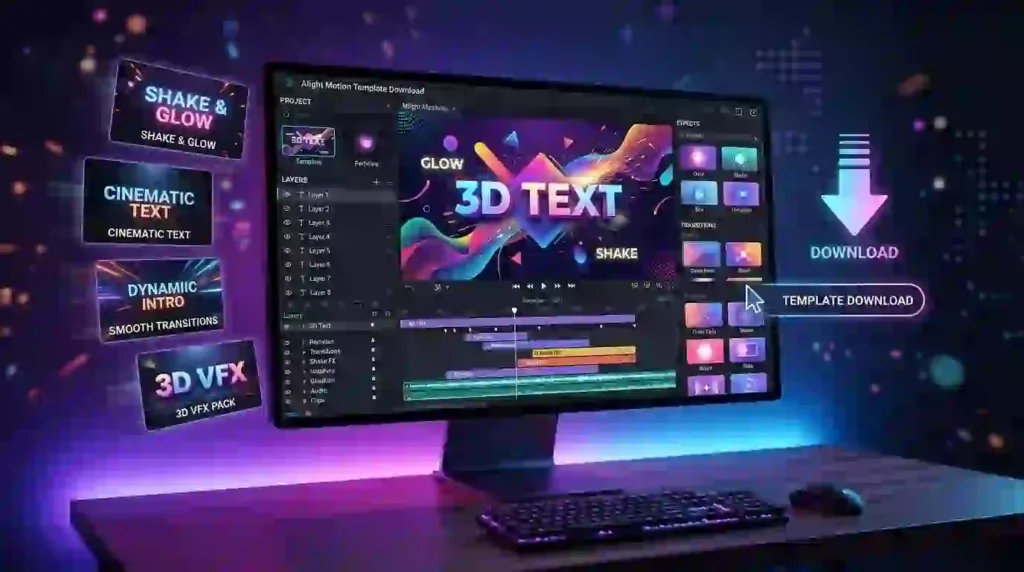
Alight Motion 3D Templates
Alight Motion Templates with 3D effects are a great option when you want to add depth and a more dynamic look to your videos. These templates can include 3D text, object movement, camera-style animations, zoom effects, and other visual elements that make an edit feel more engaging.
3D templates can be useful for YouTube intros, gaming videos, music edits, social media Reels, Shorts, and cinematic projects. Instead of creating the entire animation from scratch, you can start with a ready-made template and customize it to match your content.
What Can You Create With 3D Templates?
Depending on the template, you can create different types of 3D-style edits, including:
- 3D text animations
- Animated logos and titles
- 3D transitions
- Rotating objects
- Dynamic zoom effects
- Cinematic intro animations
- Gaming-style visual effects
- Depth and camera movement effects
How to Customize 3D Templates
After importing a 3D template, replace the sample text, images, or videos with your own content. You can also adjust the colors, animation speed, camera movement, and effect intensity to achieve the look you want.
Using Alight Motion Templates as a starting point can save considerable editing time, while customization helps make the final video feel more original.
Tips for Better 3D Edits
Do not overload your project with too many 3D effects at once. A clean animation with smooth movement often looks better than an edit filled with unnecessary effects. Pay attention to timing and combine 3D movement with suitable transitions, motion blur, and music for a more polished result.
Before using a template, also check whether it is compatible with your Alight Motion version. Some templates may use features or effects that are unavailable in older versions.
Alight Motion Template Download
Finding the right Alight Motion template download can make video editing much easier, especially when you want to create attractive animations without building everything from scratch. Alight Motion Templates can include ready-made transitions, text animations, shakes, zoom effects, 3D elements, and other visual effects that you can customize for your own project.
How to Download Alight Motion Templates
Before downloading a template, check its format and compatibility with your Alight Motion version. Choose a template that matches the type of video you want to create, then follow the provided import instructions.
After importing the template, you can replace the existing media with your own photos or videos. You can also edit the text, colors, timing, effects, and other elements to match your preferred style.
Choose the Right Template
There are many types of Alight Motion Templates available for different editing styles. You can find templates for:
- Instagram Reels and YouTube Shorts
- Gaming and AMV edits
- Cinematic videos
- 3D text and logo animations
- Shake and zoom effects
- Smooth transitions
- Glitch and motion effects
- Beat-synced edits
Customize Your Downloaded Template
A downloaded template should be treated as a starting point rather than a finished edit. Change the text, colors, effects, timing, and media to make the project fit your content. Even small adjustments can give the final video a more unique and natural appearance.
Before using any Alight Motion template download, make sure the source is trustworthy and the template is compatible with your app version. Avoid suspicious files or downloads that ask for unnecessary permissions.
Frequently Asked Questions
What is an Alight Motion templates?
An Alight Motion template is a pre-designed project package or preset, often shared via an XML file, Alight link, or QR code. It contains pre-arranged layers, effects, text, and keyframe animations.
How do I import a template?
Tap the Alight link or scan the QR code provided by the template creator. Your device will redirect you to the Alight Motion app. Tap Import when prompted. You can then find your finished project under the Templates tab in the app.
How do i edit elements inside a template?
Tap on a specific group or layer on the timeline. Select Edit Group to access the internal layers. You can change colors, replace media or icons using Color and Fill, and adjust text and keyframes to match your personal style.
For beginners, learning how layers and basic editing tools work can make it easier to customize templates.
Alight Motion Video Editing Templates
Alight Motion templates make video editing faster and easier by giving you ready-made designs, effects, transitions, animations, and editing elements. Instead of creating every effect from scratch, you can use an existing template and customize it according to your project.
Whether you create Instagram Reels, TikTok videos, YouTube Shorts, AMV edits, or cinematic videos, Alight Motion templates can help you create professional-looking content with less effort.
What Are Alight Motion Templates?
Alight Motion templates are pre-designed video editing projects that can include animations, transitions, text effects, color effects, shakes, and other editing elements. You can import a template into Alight Motion and customize the text, images, videos, colors, and effects.
These templates are especially useful for beginners who want to learn how different effects and animations are created.
Why Use Alight Motion Video Editing Templates?
Using Alight Motion templates can save time and make the editing process more convenient. Instead of building an entire project from the beginning, you can start with a ready-made design and make your own changes.
Some benefits include:
- Faster video editing
- Ready-made transitions and effects
- Easy customization
- Professional-looking video designs
- Useful for beginners and experienced editors
- Great for social media content
- Helps you experiment with new editing styles
Types of Alight Motion Templates
There are many types of Alight Motion templates available for different editing styles and projects. Some popular options include:
- Alight Motion transition templates
- Alight Motion shake templates
- Alight Motion text animation templates
- Alight Motion velocity templates
- Alight Motion intro templates
- Alight Motion AMV templates
- Alight Motion Instagram Reel templates
- Alight Motion TikTok templates
- Alight Motion cinematic templates
- Alight Motion lyric video templates
You can choose a template based on the type of video you want to create.
Final Verdict
Alight Motion Templates are a practical way to make video editing faster while experimenting with different creative styles. Instead of creating every animation, transition, or effect from scratch, you can start with a ready-made template and customize it according to your project.
Whether you need a shake effect, 3D animation, smooth transition, text animation, or cinematic style, the right template can save time and give your videos a more polished look. However, always check template compatibility with your Alight Motion version before importing it.
Overall, templates are most useful when you customize them with your own media, text, colors, and effects. This helps you create a unique final edit rather than simply copying the original template.