

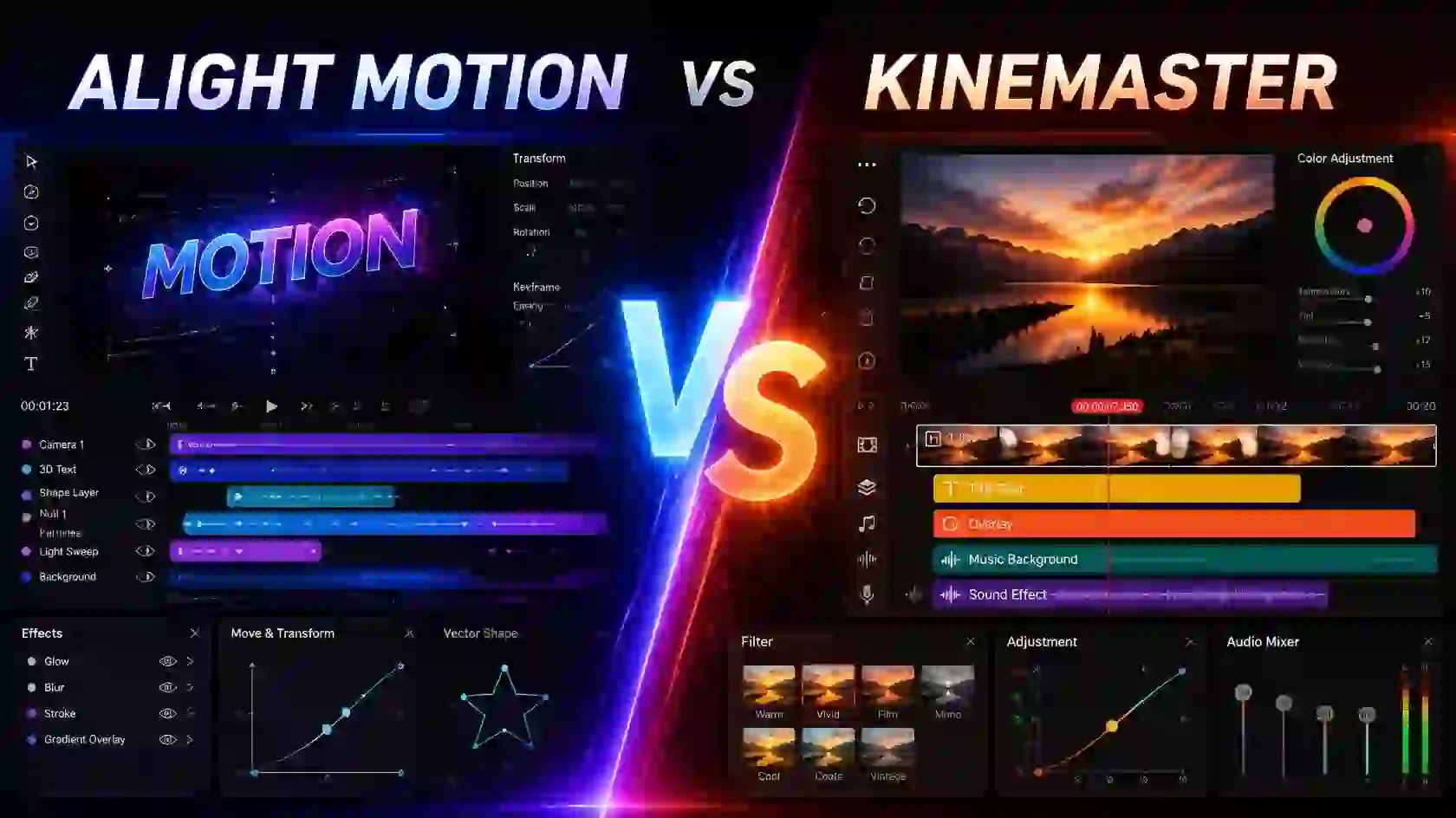
Choosing between two popular video editing apps can be difficult when both offer useful editing tools. Alight Motion vs KineMaster is a common comparison because both apps can be used to create engaging videos, but they are designed with slightly different editing workflows.
Alight Motion is particularly focused on motion graphics, animation, keyframes, and detailed visual effects. KineMaster, on the other hand, focuses more on straightforward video editing with tools for trimming, transitions, audio, layers, effects, and social media content.
Alight Motion vs KineMaster at a Glance
| Feature | Alight Motion | KineMaster |
|---|---|---|
| Main Focus | Motion graphics and animation | General video editing |
| Keyframe Control | Advanced | Available |
| Multi-Layer Editing | Yes | Yes |
| Visual Effects | Strong motion-focused tools | Wide range of effects |
| Audio Editing | Basic to moderate | Strong audio tools |
| Green Screen | Available | Available |
| Templates | Community-based templates and presets | Built-in asset library |
| Best For | Animation and creative edits | Quick and general video editing |
What Is Alight Motion?
Alight Motion is a mobile editing and motion graphics app that gives creators detailed control over layers, animations, effects, and keyframes. It is a good option when your project requires precise movement or more advanced visual effects.
The app is especially popular for animated text, AMV edits, transitions, shakes, motion graphics, and other creative projects where controlling individual elements is important.
What Is KineMaster?
KineMaster is a mobile video editor designed for creating and editing videos with a relatively straightforward workflow. It supports multi-layer editing, keyframes, chroma key, color grading, audio tools, and a large collection of creative assets. Its current feature set also includes AI-powered tools and export options up to 4K at 60fps.
KineMaster can be a practical choice for creators who mainly work on YouTube videos, Reels, Shorts, tutorials, vlogs, and other everyday video content.
Alight Motion KineMaster Comparison
When it comes to the Alight Motion vs KineMaster comparison, both apps are useful, but they are better suited to different types of creators. Alight Motion focuses more on animation, keyframes, motion graphics, and detailed visual effects, while KineMaster is designed around a simpler video editing workflow.
If you enjoy creating animated text, smooth motion effects, AMV edits, shakes, and complex transitions, Alight Motion gives you more control over individual elements. KineMaster is a better fit if your main goal is to quickly trim clips, add music, apply transitions, and create videos for platforms such as YouTube, Instagram, and other social media.
| Alight Motion | KineMaster |
|---|
| Better suited for motion graphics and animation | Easier workflow for regular video editing |
| More detailed keyframe controls | Convenient timeline-based editing |
| Strong layer-based editing | Strong audio and video editing tools |
| Useful for custom visual effects | Useful for vlogs, tutorials, and social media videos |
| Good choice for AMVs and creative edits | Beginner-friendly approach |
Overall, the Alight Motion KineMaster comparison comes down to your editing needs. Choose Alight Motion if creative animation and detailed effects are your priority. If you want a straightforward editor for producing complete videos quickly, KineMaster may be the more comfortable option.
Animation and Keyframe Control
This is one of the biggest differences in the Alight Motion vs KineMaster comparison.
Alight Motion puts more emphasis on detailed animation and motion design. You can work with layers and keyframes to create precise movements and complex animations. This makes it particularly useful for creators who want more control over how individual elements move.
KineMaster also supports keyframe animation, but its overall workflow is more focused on traditional video editing. If animation is the main part of your project, Alight Motion may feel more flexible.
Winner: Alight Motion
Alight Motion Animation
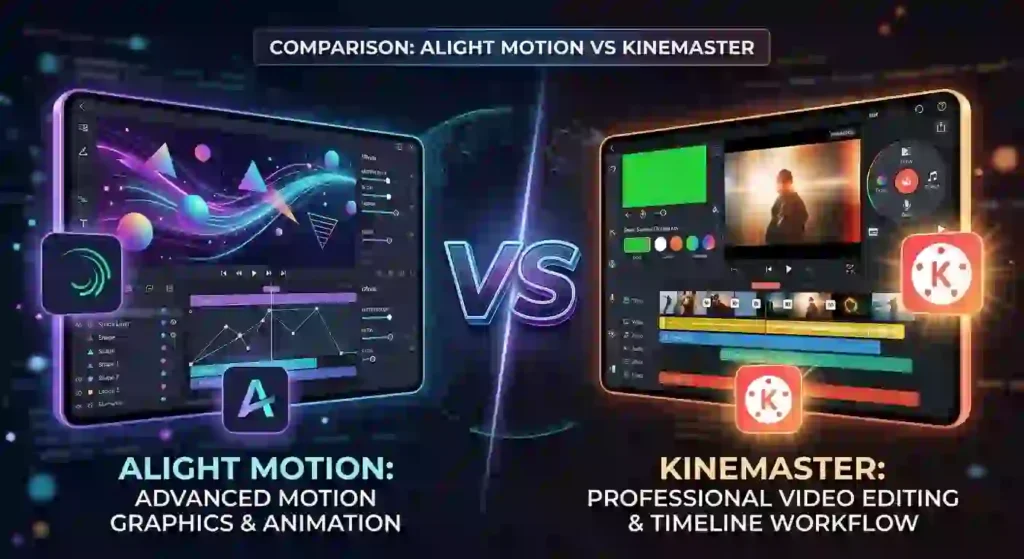
Animation is one of the areas where Alight Motion stands out in the Alight Motion vs KineMaster comparison. The app gives creators detailed control over layers, keyframes, movement, and visual effects, making it useful for creating more customized animations.
You can animate text, images, shapes, and other elements by adding keyframes and controlling their position, scale, rotation, opacity, and other properties. This makes it easier to create smooth transitions, animated titles, motion graphics, shakes, and other creative effects.
Why Choose Alight Motion for Animation?
- Detailed keyframe controls
- Smooth object and text animations
- Multi-layer editing
- Custom motion effects
- Support for advanced visual effects
- Useful for AMVs, Reels, Shorts, and motion graphics
- Greater control over animation timing and movement
Compared with KineMaster, Alight Motion is generally a better fit for creators who want to focus on motion graphics and detailed animations rather than basic video editing. However, the best choice depends on the type of content you create and how much control you need over your animations.
Effects and Visual Editing
Both apps provide a range of effects and visual editing tools. Alight Motion is well suited to creative effects, animated graphics, blending, and motion-based editing.
KineMaster offers a broad selection of effects, transitions, filters, and other editing tools that can be applied quickly. Its asset ecosystem is also designed to make everyday editing more convenient.
Winner: Depends on your needs
For advanced motion effects, choose Alight Motion. For quick access to general editing assets, KineMaster can be more convenient.
Audio Editing
KineMaster has a strong focus on audio editing and provides tools for mixing tracks, recording voiceovers, adjusting volume, and applying audio effects.
Alight Motion can handle audio within projects, but it is generally better known for its animation and motion graphics capabilities.
Winner: KineMaster
Ease of Use
KineMaster generally feels easier for beginners who want to trim clips, add music, apply transitions, and quickly produce a finished video.
Alight Motion can take more time to learn because its layer-based workflow and animation controls provide more options. Once you understand the interface, however, those controls can give you greater creative freedom.
Winner: KineMaster for beginners
Templates and Presets
Both apps can help speed up the editing process with ready-made assets and templates. KineMaster has an integrated asset ecosystem, while Alight Motion has a large community around presets, projects, and reusable editing setups.
If you enjoy experimenting with custom animations and presets, Alight Motion can be a better fit. If you want convenient built-in assets, KineMaster may be easier.
KineMaster Video Editing
KineMaster is designed to make everyday video editing simple and convenient, even for users who are just getting started. In the Alight Motion vs KineMaster comparison, KineMaster is particularly useful for editing complete videos with clips, music, transitions, text, and visual effects in one project.
You can trim and split clips, arrange multiple layers, add background music or voiceovers, adjust video speed, and apply transitions between scenes. These tools make KineMaster suitable for creating YouTube videos, vlogs, tutorials, Instagram Reels, and short social media content.
Best Video Editing App
Choosing the best video editing app depends on what type of videos you want to create and how much control you need over your editing. Some users prefer simple tools for trimming clips, adding music, and creating social media videos, while others need advanced animation and visual effects.
The Alight Motion vs KineMaster comparison is useful because both apps offer different editing experiences. Alight Motion is well suited for motion graphics, keyframe animation, animated text, and creative visual effects. KineMaster focuses more on straightforward video editing, making it convenient for vlogs, tutorials, YouTube videos, and short-form content.
If your main goal is creating detailed animations, AMVs, shakes, transitions, and motion-based edits, Alight Motion can be a strong choice. If you prefer an easier workflow for combining clips, audio, transitions, and effects, KineMaster may be more suitable.
Ultimately, the best video editing app is the one that matches your editing style. Beginners may prefer a simpler interface, while experienced editors may value advanced animation and customization options.
Why Use KineMaster for Video Editing?
- Easy-to-use timeline for arranging clips
- Multi-layer editing for video, images, and text
- Music, voiceover, and sound-effect tools
- Speed controls for slow-motion and fast-motion videos
- Transitions and visual effects
- Chroma key for green-screen editing
- Color and image adjustment tools
- Convenient workflow for social media videos
KineMaster can be a good choice if you want to create polished videos without spending too much time learning complicated animation controls. While Alight Motion is more focused on motion graphics and detailed animation, KineMaster offers a more straightforward approach to traditional video editing.
KineMaster Features
In the Alight Motion vs KineMaster comparison, KineMaster stands out as a practical option for users who want a straightforward video editing experience. It includes a variety of tools for editing clips, adding effects, working with multiple layers, and improving audio without requiring advanced editing knowledge.
Key KineMaster Features
- Multi-Layer Editing: Add multiple video, image, text, and graphic layers to the same project.
- Audio Editing: Add music, voiceovers, sound effects, and adjust audio levels within your project.
- Chroma Key: Remove green-screen backgrounds and replace them with other images or videos.
- Keyframe Animation: Create movement and animation by controlling the position and other properties of layers.
- Transitions and Effects: Apply transitions and visual effects to make your videos more engaging.
- Speed Control: Adjust video speed to create slow-motion or fast-motion effects.
- Color Adjustment: Fine-tune the appearance of your clips using color and image adjustment tools.
- Templates and Assets: Use ready-made creative assets to speed up the editing process.
- Social Media Editing: Create content suitable for platforms such as YouTube, Instagram, and other short-form video platforms.
For users who prioritize simple video editing, audio tools, and an easy workflow, KineMaster can be a strong alternative. However, in the Alight Motion vs KineMaster comparison, Alight Motion may be more suitable for creators who need advanced motion graphics and detailed animation controls.
Which One Should You Choose?
Choose Alight Motion if you mainly create:
- Motion graphics
- Animated text
- AMV edits
- Complex transitions
- Creative effects
- Shake and velocity edits
- Detailed keyframe animations
Choose KineMaster if you mainly create:
- YouTube videos
- Vlogs
- Tutorials
- Social media videos
- Quick edits
- Videos that require stronger audio tools
Alight Motion vs PowerDirector: Which Video Editor Is Better?
Choosing the right video editing app can make a big difference in your editing workflow. Alight Motion vs PowerDirector is a useful comparison for mobile users who want to create professional and engaging videos. Both apps provide different editing tools, effects, and features for different types of creators.
Alight Motion vs PowerDirector
Alight Motion is well known for motion graphics, keyframe animation, visual effects, and layer-based editing. It is especially useful for creators who make AMV edits, animated videos, social media content, and creative effects.
PowerDirector focuses more on traditional video editing. It provides tools for cutting clips, adding transitions, adjusting audio, applying effects, and creating complete video projects.
Alight Motion vs KineMaster
When comparing Alight Motion vs KineMaster, the main difference is their editing approach. Alight Motion is more focused on animation, motion graphics, keyframes, and advanced visual effects, while KineMaster provides a more traditional mobile video editing experience.
Users who want to create animated edits and complex motion effects may prefer Alight Motion. KineMaster can be a convenient option for users who mainly want to edit clips, add transitions, text, music, and other standard video elements.
Alight Motion vs PowerDirector Features
Both applications provide useful tools, but their strengths are different.
Alight Motion Features
- Keyframe animation
- Multiple layers
- Motion graphics
- Visual effects
- Blending modes
- Text animation
- Custom transitions
- Advanced layer controls
- Creative video effects
PowerDirector Features
- Video trimming and splitting
- Transitions
- Video effects
- Text and titles
- Audio editing
- Timeline-based editing
- Video enhancement tools
- Tools for traditional video production
Which App Is Better for Beginners?
The answer depends on your editing needs. PowerDirector can be suitable for users who want a traditional video editing workflow with familiar tools for cutting, arranging, and enhancing clips.
Alight Motion may require more time to learn because its animation and keyframe features provide greater control over individual elements. However, once you understand the workflow, you can create highly customized motion graphics and creative edits.
Which Is Better for Creative Editing?
For creative editing, Alight Motion has a strong advantage because of its focus on animation and motion graphics. You can control individual layers, create keyframe animations, apply effects, and build complex visual sequences.
This is one reason comparisons such as Alight Motion vs KineMaster are popular among mobile editors who want more control over animations and effects.
PowerDirector is better suited to users who need a complete video editing workflow for combining clips, adding audio, applying transitions, and producing finished videos.
Alight Motion vs KineMaster vs PowerDirector
These three apps can be useful for different purposes:
| Feature | Alight Motion | KineMaster | PowerDirector |
|---|---|---|---|
| Motion Graphics | Excellent | Good | Good |
| Keyframe Animation | Excellent | Good | Good |
| Traditional Editing | Good | Excellent | Excellent |
| Visual Effects | Excellent | Good | Good |
| Layer-Based Editing | Excellent | Excellent | Good |
| Beginner Friendly | Moderate | Easy | Easy |
| Creative Animations | Excellent | Good | Good |
Which Video Editor Should You Choose?
If your main goal is motion graphics, animations, visual effects, and creative edits, Alight Motion is a strong choice.
If you want an easy mobile editor for everyday video editing, KineMaster can be a practical option. For users who prefer traditional timeline editing and a broad set of video production tools, PowerDirector may be more suitable.
Ultimately, the best choice depends on your editing style, experience, and the type of videos you want to create.
Alight Motion vs KineMaster
The comparison of Alight Motion vs KineMaster is also useful for mobile editors. Alight Motion is generally more focused on motion graphics, keyframes, animations, and visual effects, while KineMaster provides a more traditional mobile video editing workflow.
If your goal is to create animated edits and advanced effects, Alight Motion can be a better option. KineMaster may be more suitable for users who want to quickly trim videos, add music, text, transitions, and other standard editing elements.
Key Features of Alight Motion
Alight Motion provides several tools for creating detailed and creative video projects, including:
- Keyframe animation
- Multiple video and graphic layers
- Visual effects
- Blending modes
- Motion graphics
- Text animation
- Custom transitions
- Color adjustments
- Advanced layer controls
- Creative effects for social media videos
These features make Alight Motion a strong choice for users who want greater control over animations and individual elements.
Key Features of Node Video
Node Video is also designed for advanced mobile editing and provides tools for creating complex video effects.
Some of its capabilities include:
- Advanced video effects
- Keyframe animation
- Layer-based editing
- Visual effects
- Color adjustments
- Masking tools
- Motion tracking
- Detailed editing controls
- Custom animations
Node Video can be particularly useful for editors who want to experiment with advanced effects and detailed visual compositions.
Which Is Easier to Use?
For beginners, Alight Motion can take some time to learn because its keyframes, layers, and effects provide extensive control over projects.
Node Video can also have a learning curve because of its advanced editing features. Beginners may need to spend some time understanding the interface and different tools before creating complex projects.
If you are new to advanced mobile editing, starting with simple projects and gradually learning keyframes and effects can make either application easier to understand.
Alight Motion vs Node Video for Creative Editing
When it comes to creative editing, both applications provide powerful tools. Alight Motion is particularly useful for motion graphics, animated text, transitions, and social media edits.
Node Video is suitable for users who want to explore advanced visual effects and detailed editing controls.
The better option ultimately depends on your editing style and the type of videos you create.
Alight Motion vs KineMaster vs Node Video
These three applications serve slightly different purposes:
| Feature | Alight Motion | KineMaster | Node Video |
|---|---|---|---|
| Keyframe Animation | Excellent | Good | Excellent |
| Motion Graphics | Excellent | Good | Excellent |
| Visual Effects | Excellent | Good | Excellent |
| Traditional Editing | Good | Excellent | Good |
| Layer Editing | Excellent | Excellent | Excellent |
| Beginner Friendly | Moderate | Easy | Moderate |
| Advanced Effects | Excellent | Good | Excellent |
Which Video Editor Should You Choose?
Choose Alight Motion if you want to focus on motion graphics, animations, keyframes, and creative visual effects.
Choose KineMaster if you prefer a straightforward mobile editing workflow for everyday video projects.
Choose Node Video if advanced visual effects, detailed controls, and complex editing are your main priorities.
Final Verdict
The Alight Motion vs KineMaster comparison shows that both apps are useful, but they are designed for slightly different editing needs. Alight Motion is a stronger choice for creators who want detailed animations, keyframe control, motion graphics, and custom visual effects.
KineMaster is more suitable for users who want a simple and convenient video editing workflow. Its timeline, audio tools, transitions, layers, and other editing features make it a practical option for vlogs, tutorials, YouTube videos, and social media content.
Overall, choose Alight Motion if animation and creative effects are your priority. If you mainly want to edit videos quickly with an easy-to-use interface, KineMaster may be the better option. The right choice ultimately depends on your editing style and the type of videos you create.